


Release notes for version 2.0.0
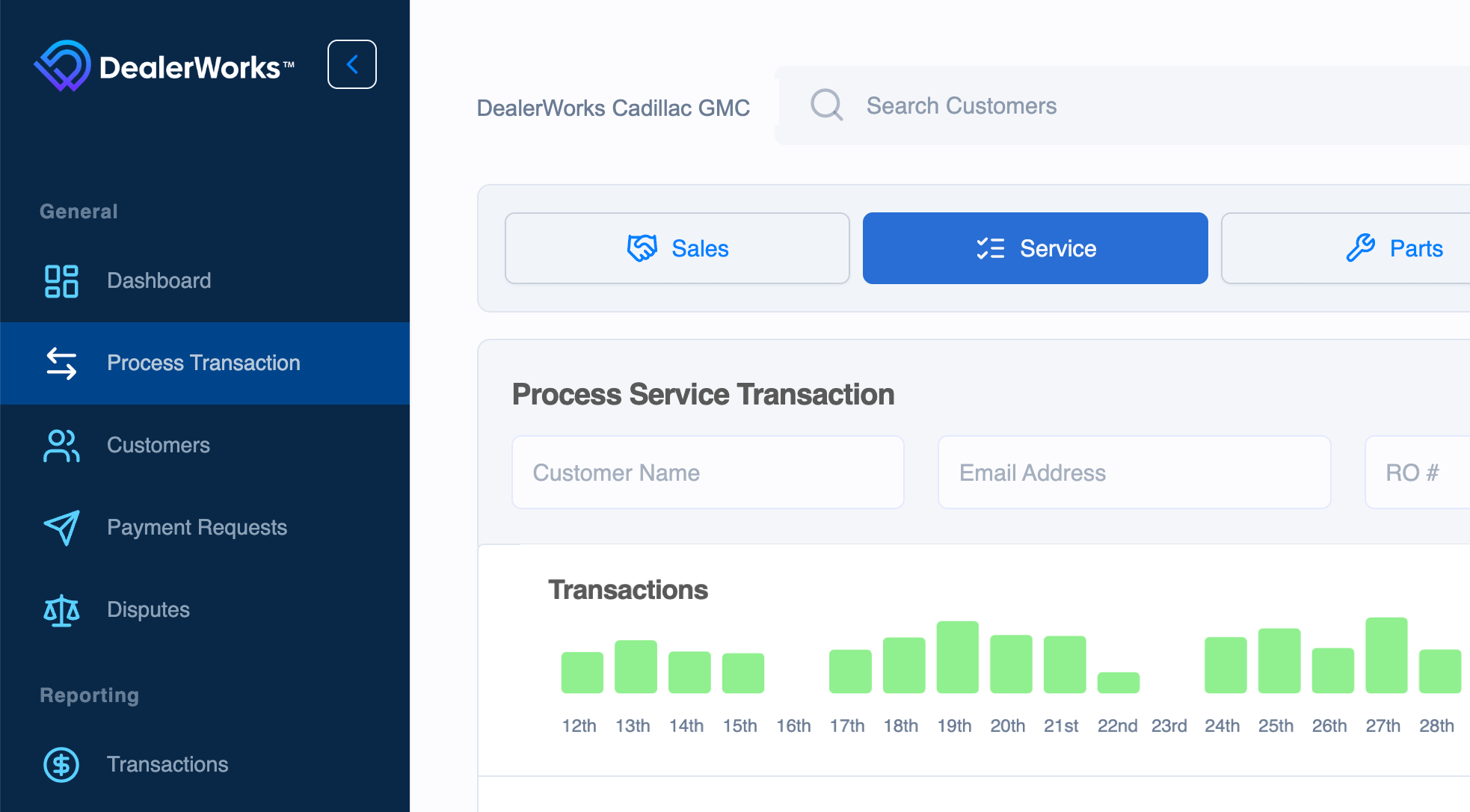
DealerWorks Version 2.0.0 brings a new and updated Menu Bar. Our two menus have been consolidated into a collapsible menu bar, which now resides on the left side of the screen. Along with the new Menu Bar, the screen is now more responsive. Your Account Settings are now listed in the Administrative Section of the Menu Bar.
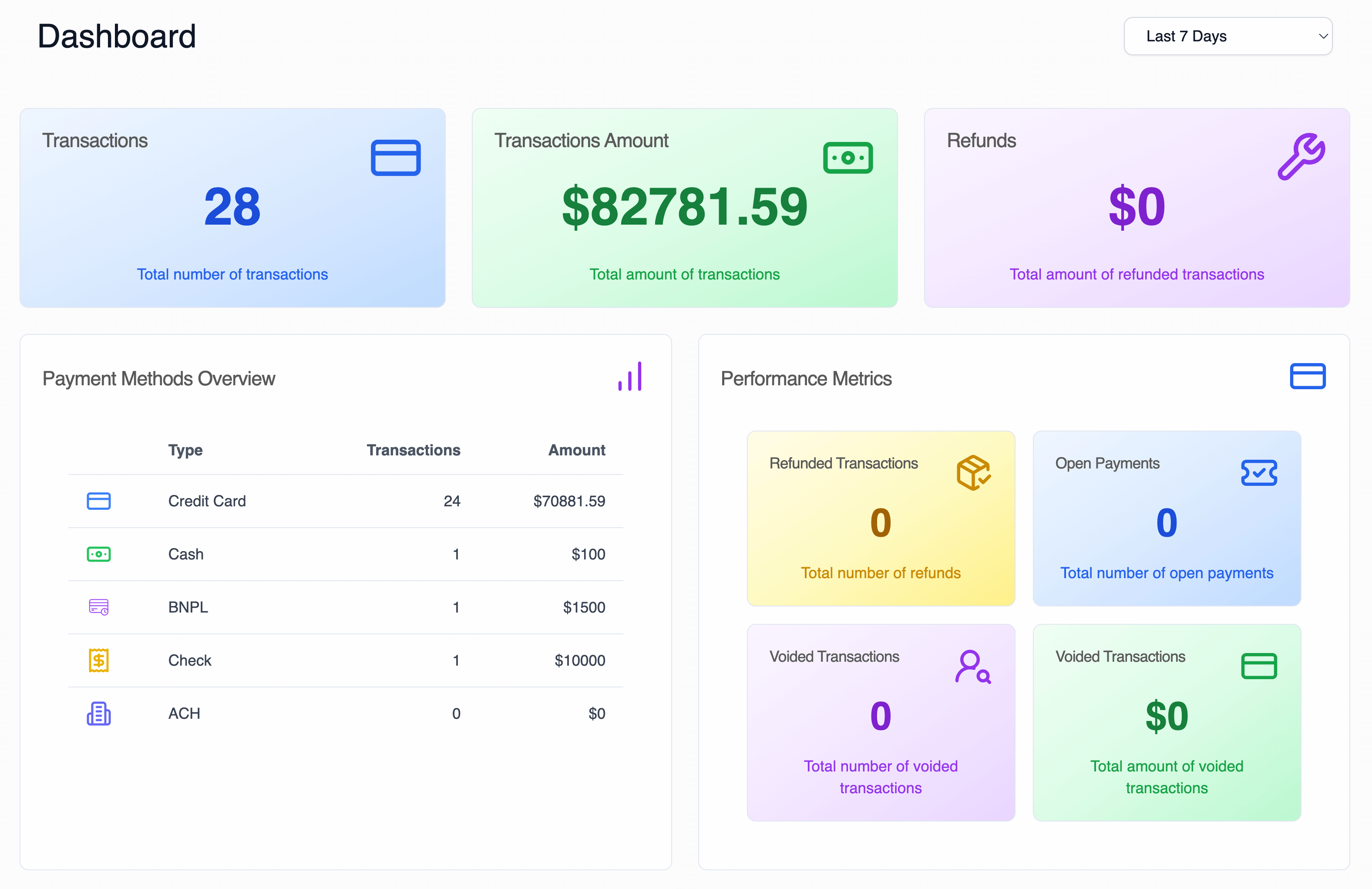
A new dashboard has been created to give quick highlights and insight into key metrics.
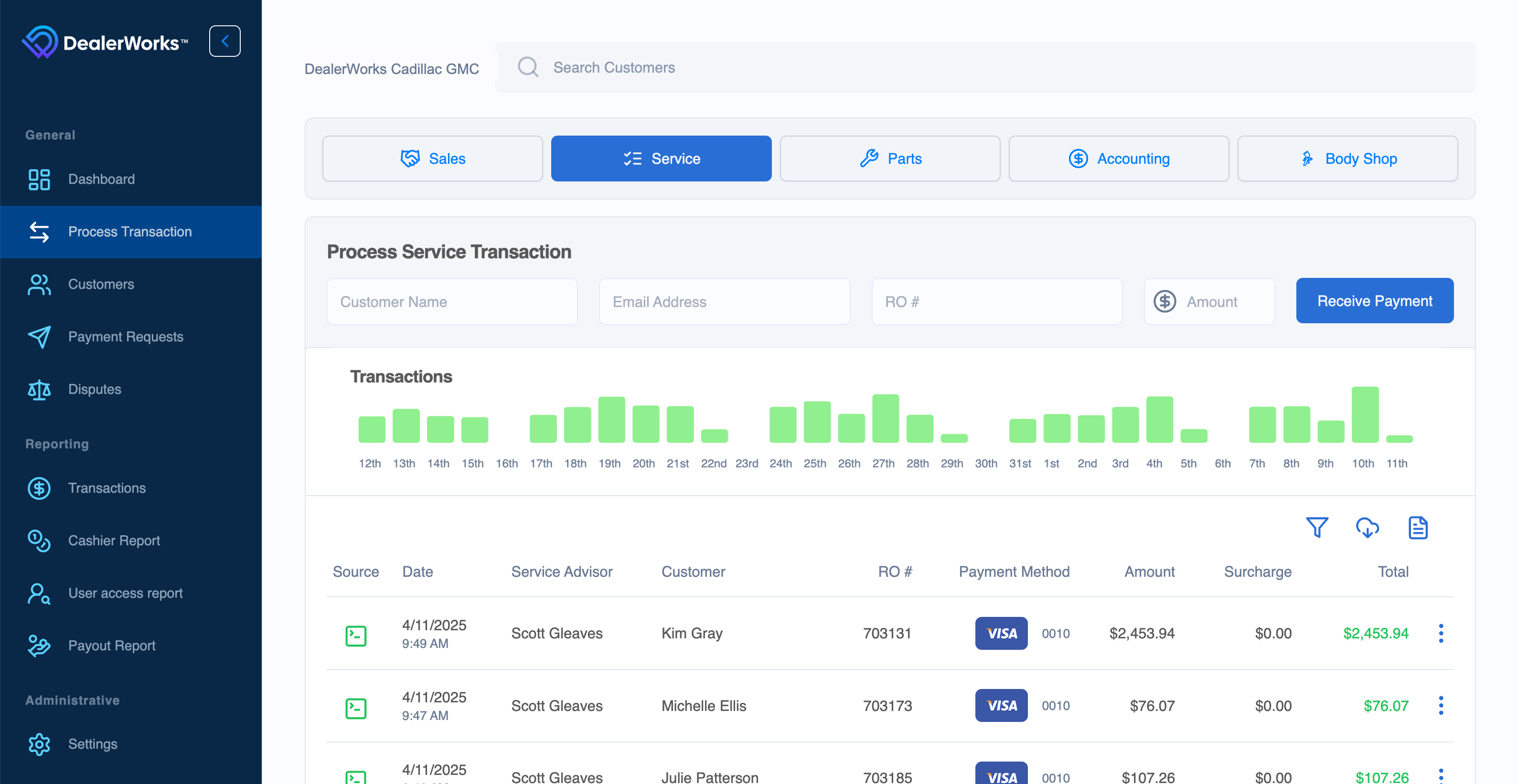
Processing a transaction has become easier and more streamlined. Gone are the days of hopping between departments. If you are a user who works across multiple departments, you now select the department at the time of the transaction. If you only work in a single department, don’t worry, you won’t be required to make a selection. The Transaction List on this page contains only your transactions (all departments), making it simpler than ever to locate a transaction.
Customer First Name and Last Name are now combined into a single Customer Name field.
View and manage all Disputes directly within DealerWorks. Upload evidence and find full descriptions, response times, and status updates without leaving the system. Notifications are permission-based and set at a user level.
Connect with your DealerWorks representative to set up Dispute Management training.
ACH payments are now available for payment requests. To enable ACH payments for your dealership, give us a shout or send us an email.
We’re always listening to enhancement requests to make DealerWorks more powerful. Please keep them coming; we will do our best to get your request in future releases. If you need any assistance or have suggestions, please contact us at hello@dealerworks.io or live chat with us on your DealerWorks Dashboard.